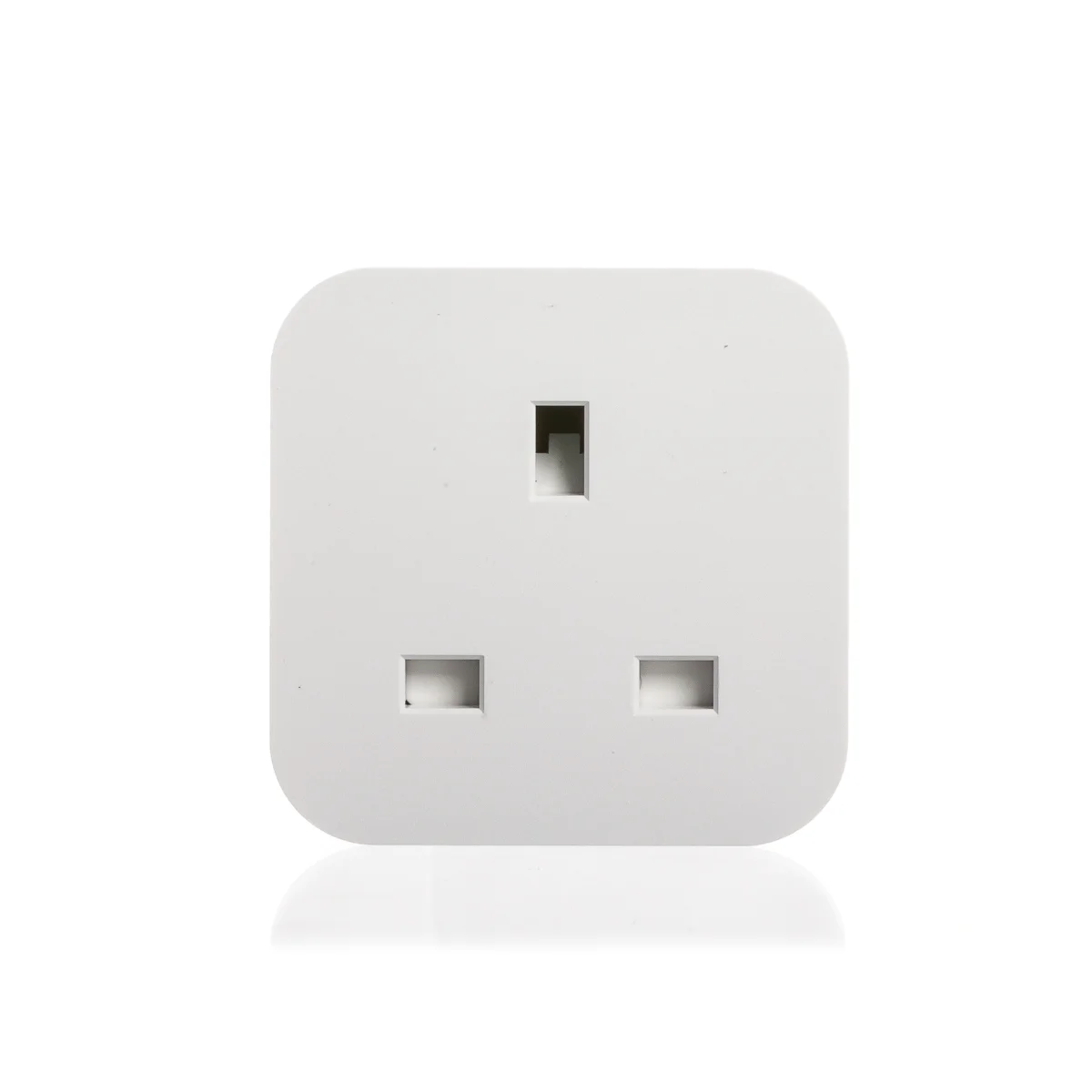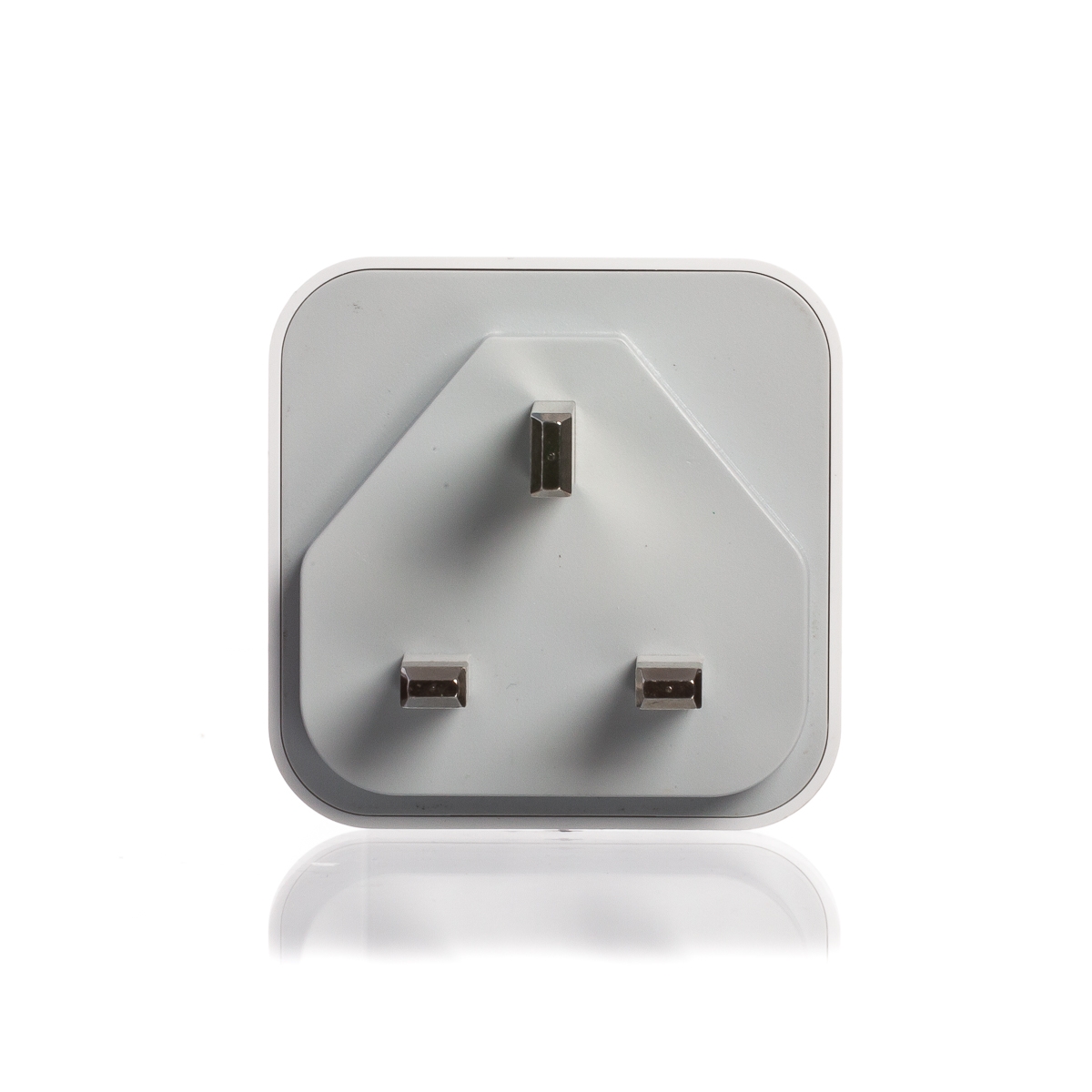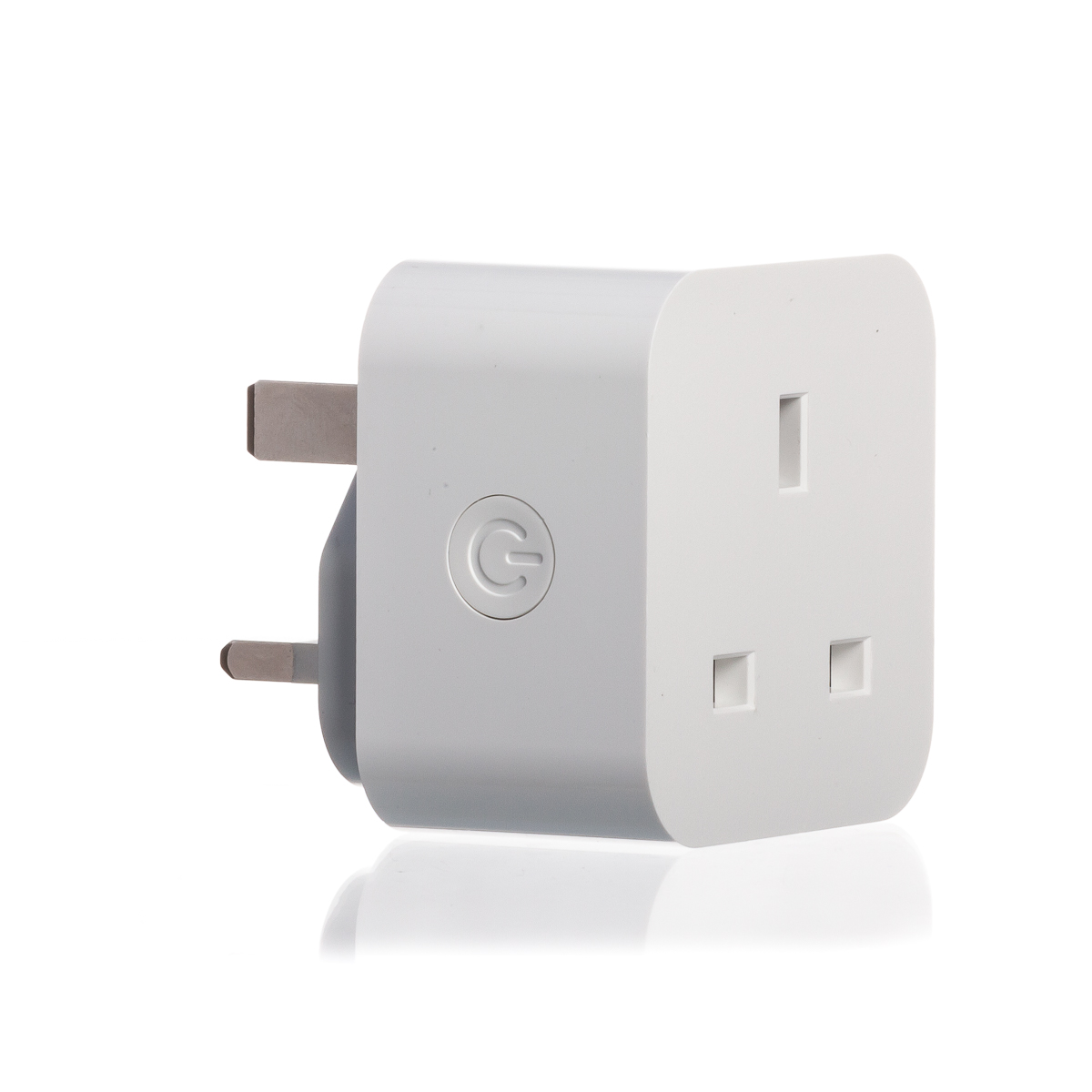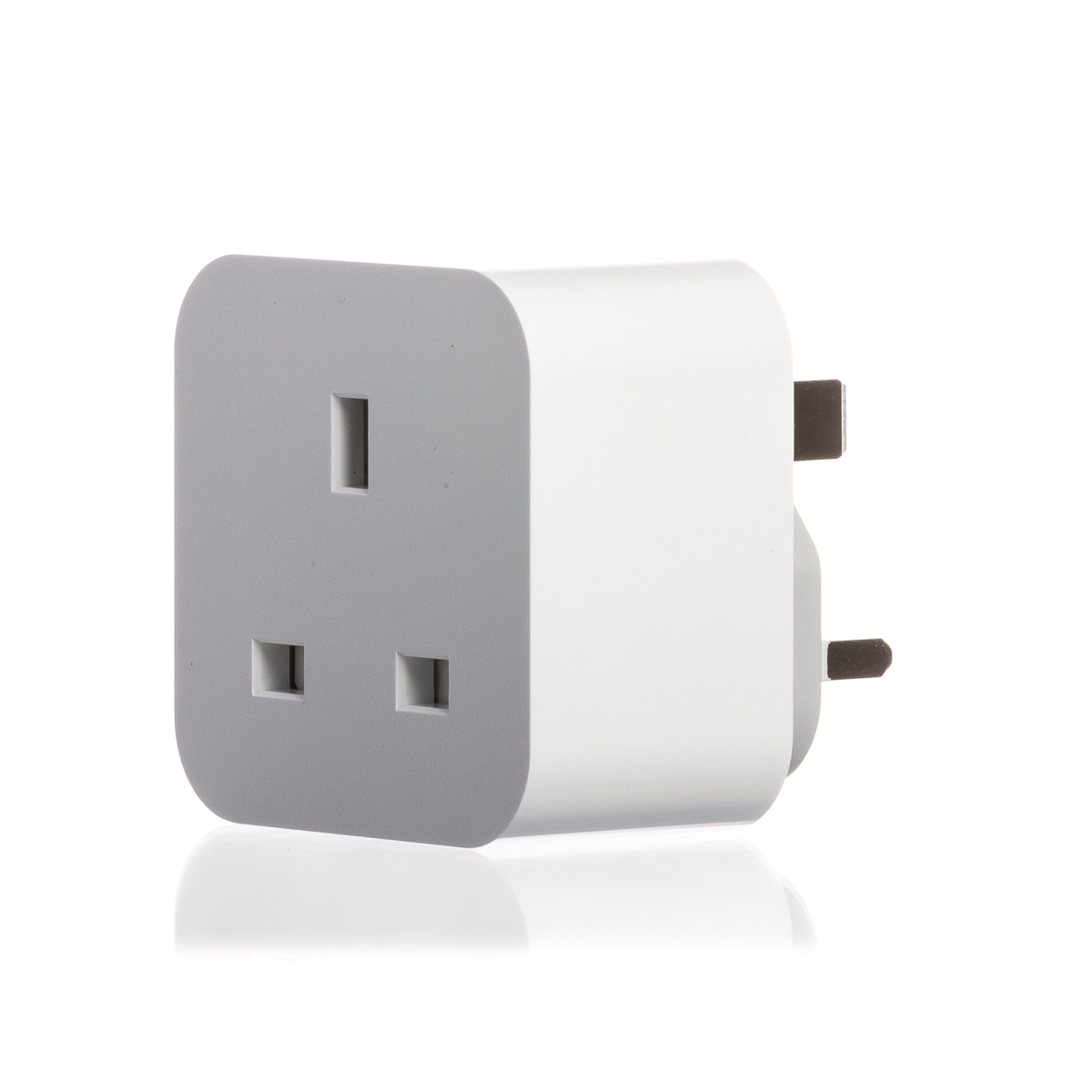
Description
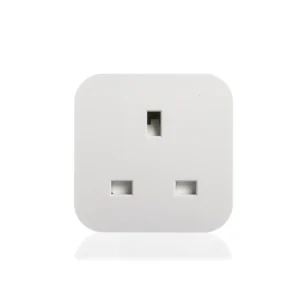
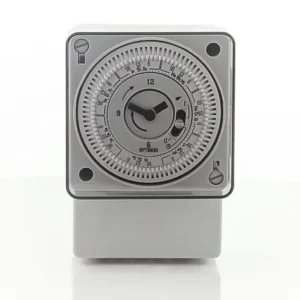
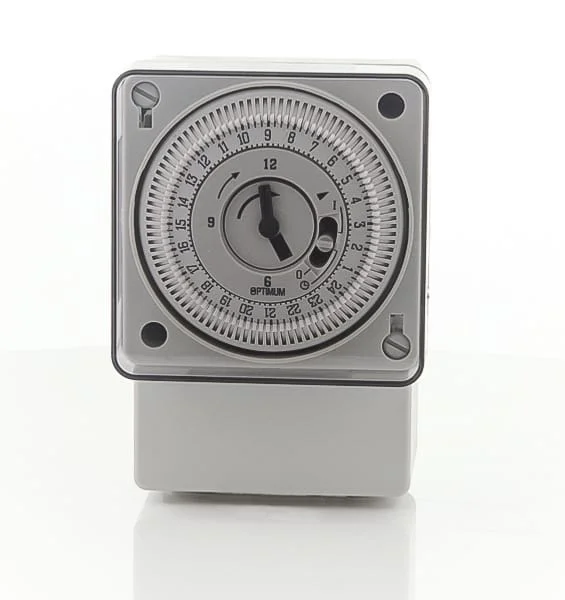
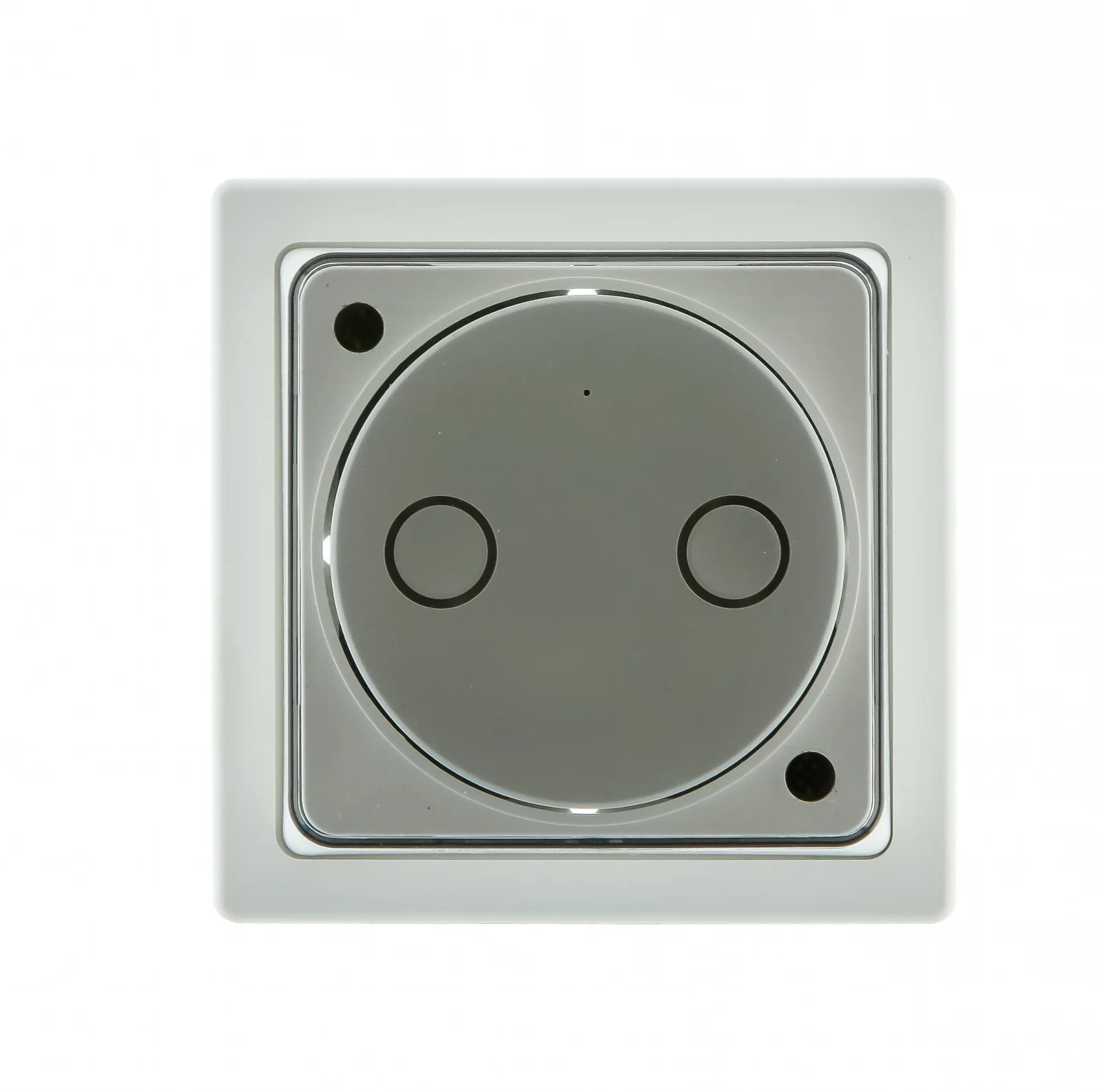
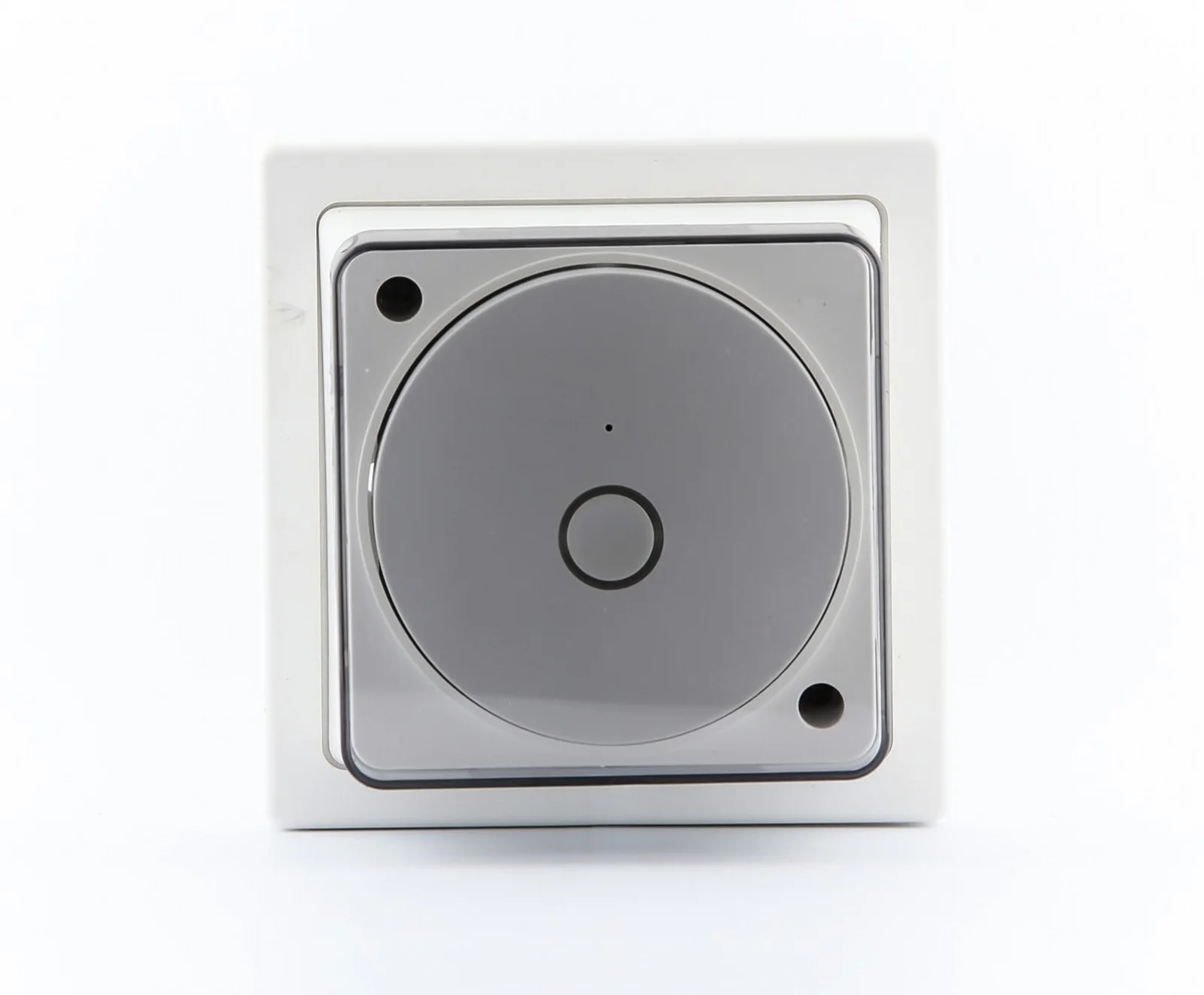
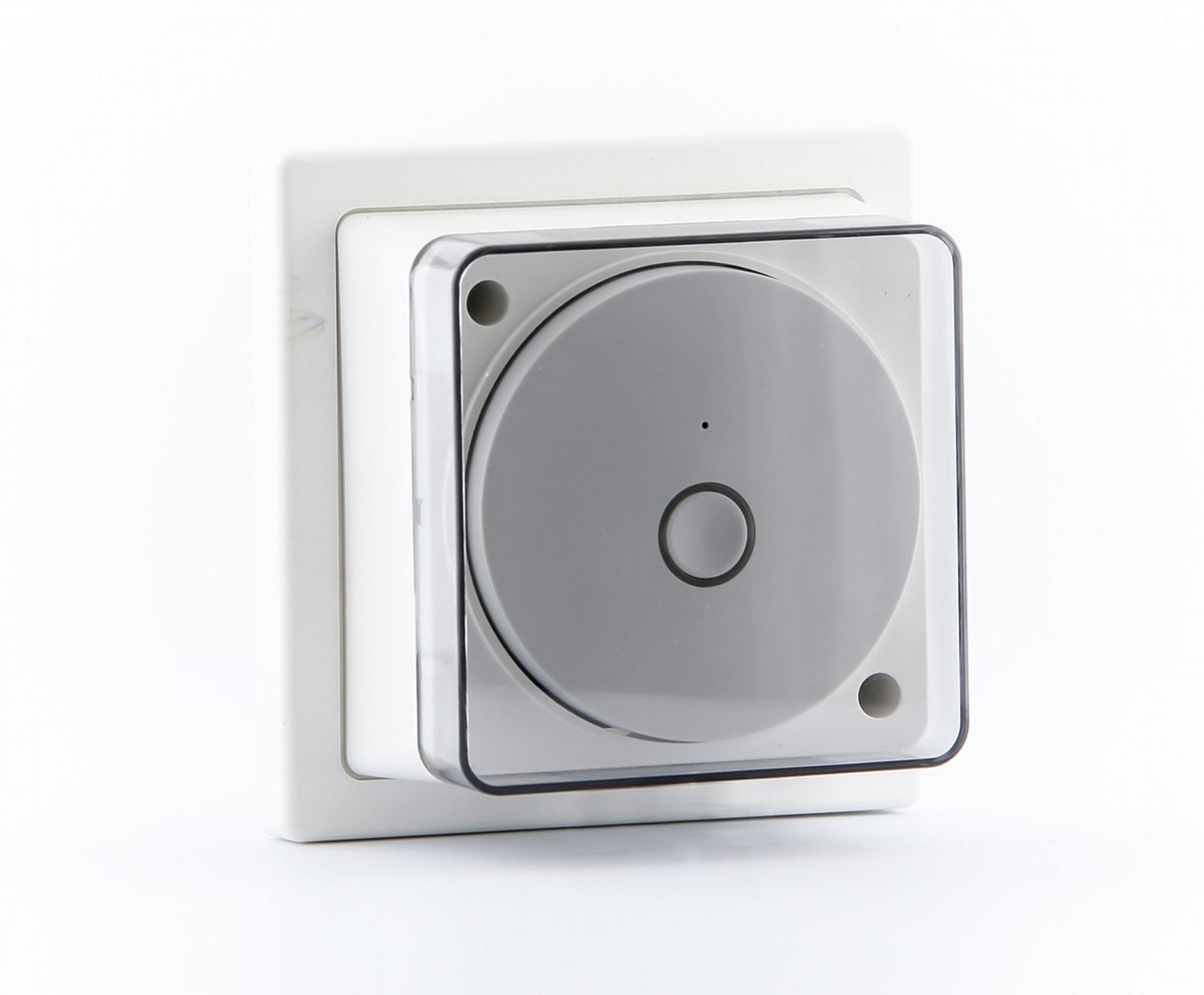
The OP‑SBWF01 is a single‑channel Wi‑Fi socket‑box timeswitch made for mounting over a standard single pattress (single gang) back box. It combines a conventional volt‑free SPDT switching contact with smartphone control (via the Smart Life app), scheduled 24‑hour or 7‑day programmes and manual override, so you can automate an appliance or control a circuit remotely without re‑routing wiring to a separate controller. It’s aimed at straightforward retrofit and new installations where you want app control or voice operation but prefer a neat, wall‑mounted unit rather than a plug‑in adapter.
The unit talks to a home 2.4 GHz Wi‑Fi network (WLAN 802.11 b/g/n) and supports up to 15 on/off programmes with a minimum switching interval of one minute. It exposes a single volt‑free changeover contact rated for 16 A resistive (4 A inductive, cos φ 0.6) so it can directly switch many domestic loads, but heavier inductive or lighting loads may require a contactor or contractor relay instead of direct connection. There’s a physical override button on the module for local on/off control and a countdown on/off function for temporary timed operation.
Key specifications
- Supply: 220–240 V AC, 50 Hz
- Communications: Wi‑Fi ISM 2.4 GHz (802.11 b/g/n)
- Programmes: Up to 15 on / 15 off events; 24‑hour or 7‑day scheduling; 1‑minute resolution
- Output: Volt‑free SPDT contact — 16 A resistive, 4 A inductive (cos φ 0.6)
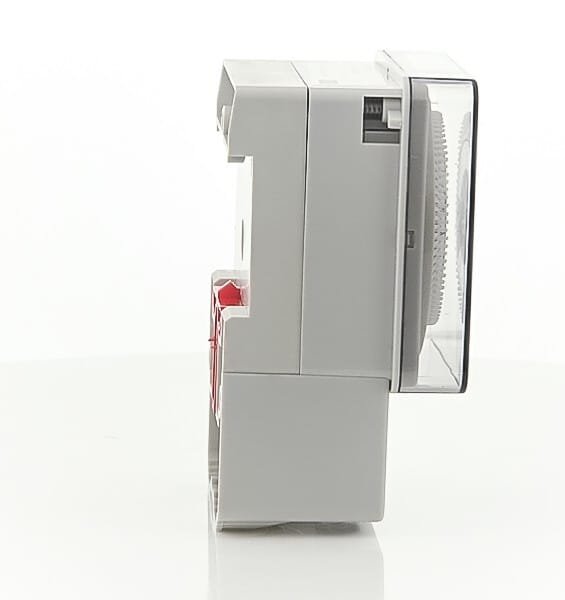
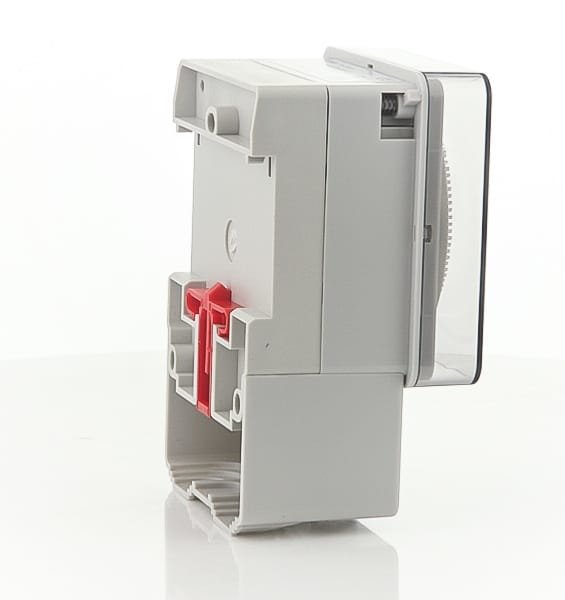
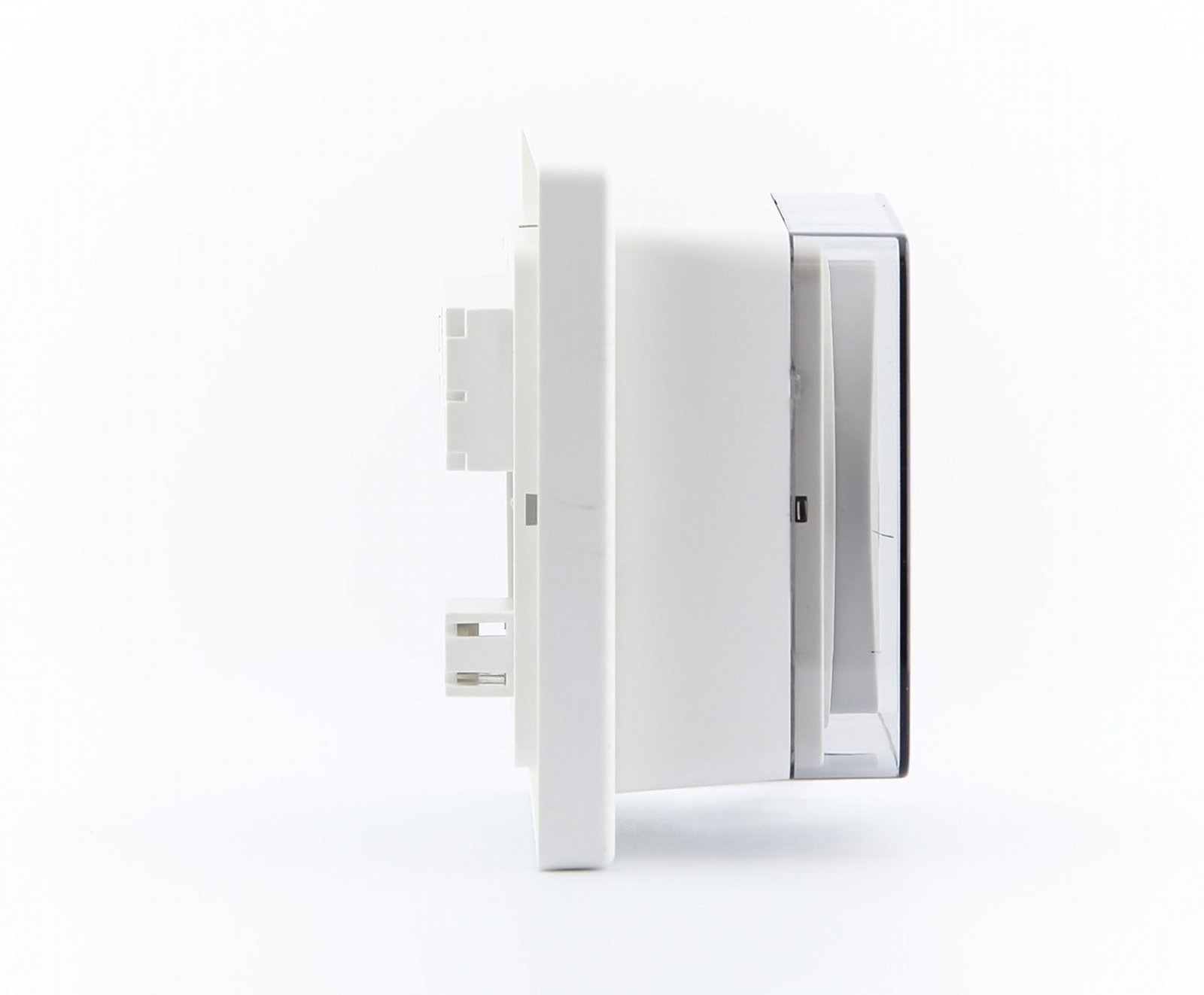
- Physical: Pattress (single gang) mounting; dimensions ~92 × 92 × 60 mm; IP20
- App/voice: Smart Life app (iOS/Android); compatible with Amazon Alexa and Google Home
How it behaves in a typical installation
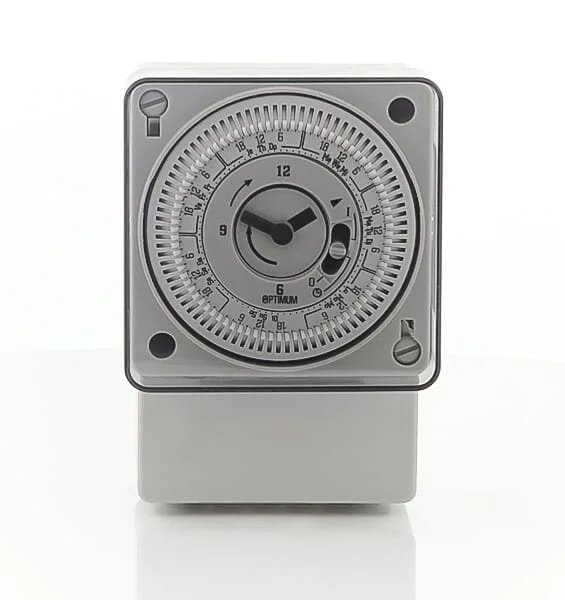
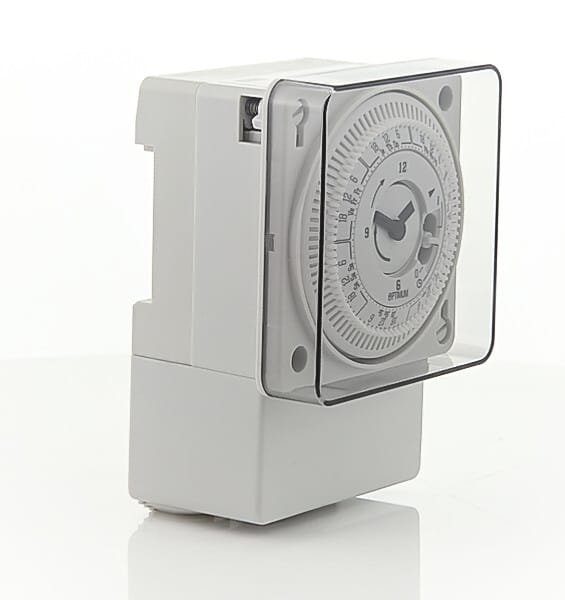
Mechanically the OP‑SBWF01 is intended to replace or sit over a standard single pattress box and is wired into the fixed mains circuit. Internally it uses a conventional-timeswitch approach (manual, timed, or permanently on/off states), but timekeeping and schedules are synchronised via the internet once the device is paired to your Wi‑Fi, so you can rely on DST and accurate clocking without manual adjustment. The Smart Life app is the recommended interface for programming and remote control; TFC Group notes that the older C‑Home app is deprecated and users should switch to Smart Life for continued support.
From the user perspective you get three main control routes: the local push button on the unit for instant override, the smartphone app for programming and remote switching, and voice control once linked to Alexa or Google Home. The countdown and repeat cycle functions make short‑term or recurring automation straightforward (for example, timed boost cycles for a small heater or scheduled pump runs), while the one‑minute minimum step gives fine control where short intervals are required.
Where it’s suitable — and where it isn’t
The switch is a sensible choice for controlling resistive loads such as immersion heaters (within the rating), fan heaters (subject to inrush and inductive rating), pumps and simple lighting circuits where a volt‑free contact is acceptable. Because the product provides a volt‑free SPDT contact and is rated 16 A resistive, it’s appropriate for many domestic and light‑commercial uses where a neat single‑gang mounted timeswitch is preferred over a plug‑in device.
However, the product is explicitly not suitable for switching discharge lighting or many LED fittings directly — the manufacturer advises using a contactor for those applications. Large inductive loads with high inrush current (for example compressors, large motors or some types of electric showers) should also be controlled via an appropriately sized contactor or relay rather than wiring them directly to the OP‑SBWF01’s contact. The small, enclosed form factor (IP20) means it’s for internal, dry‑location use only.
Installation and safety points
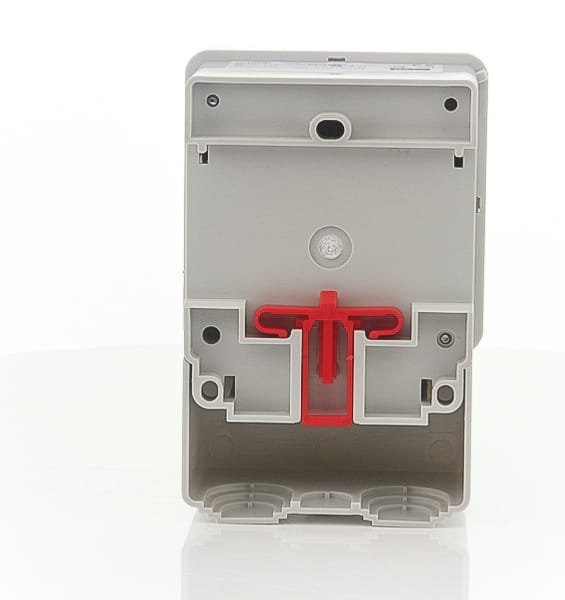
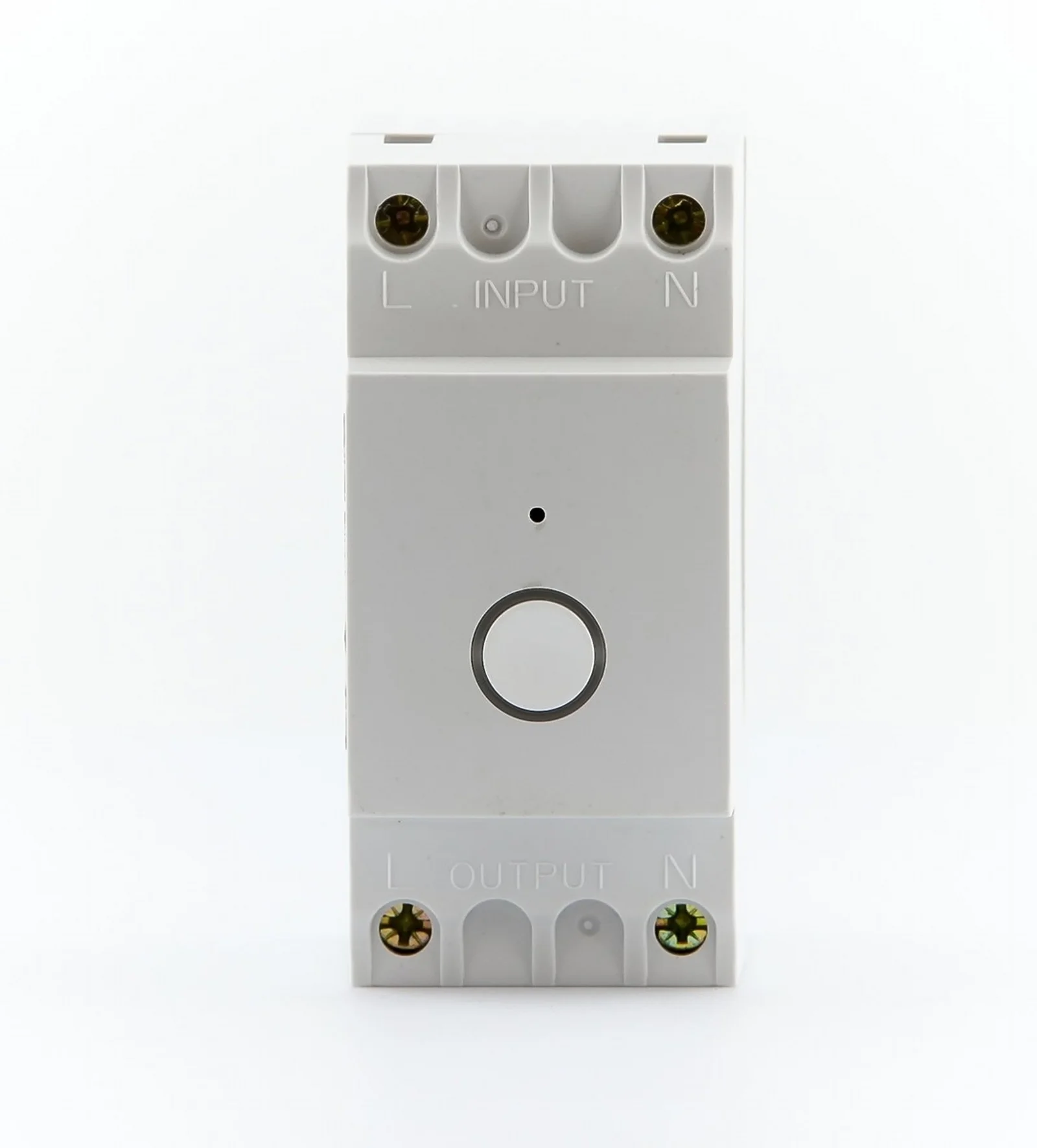
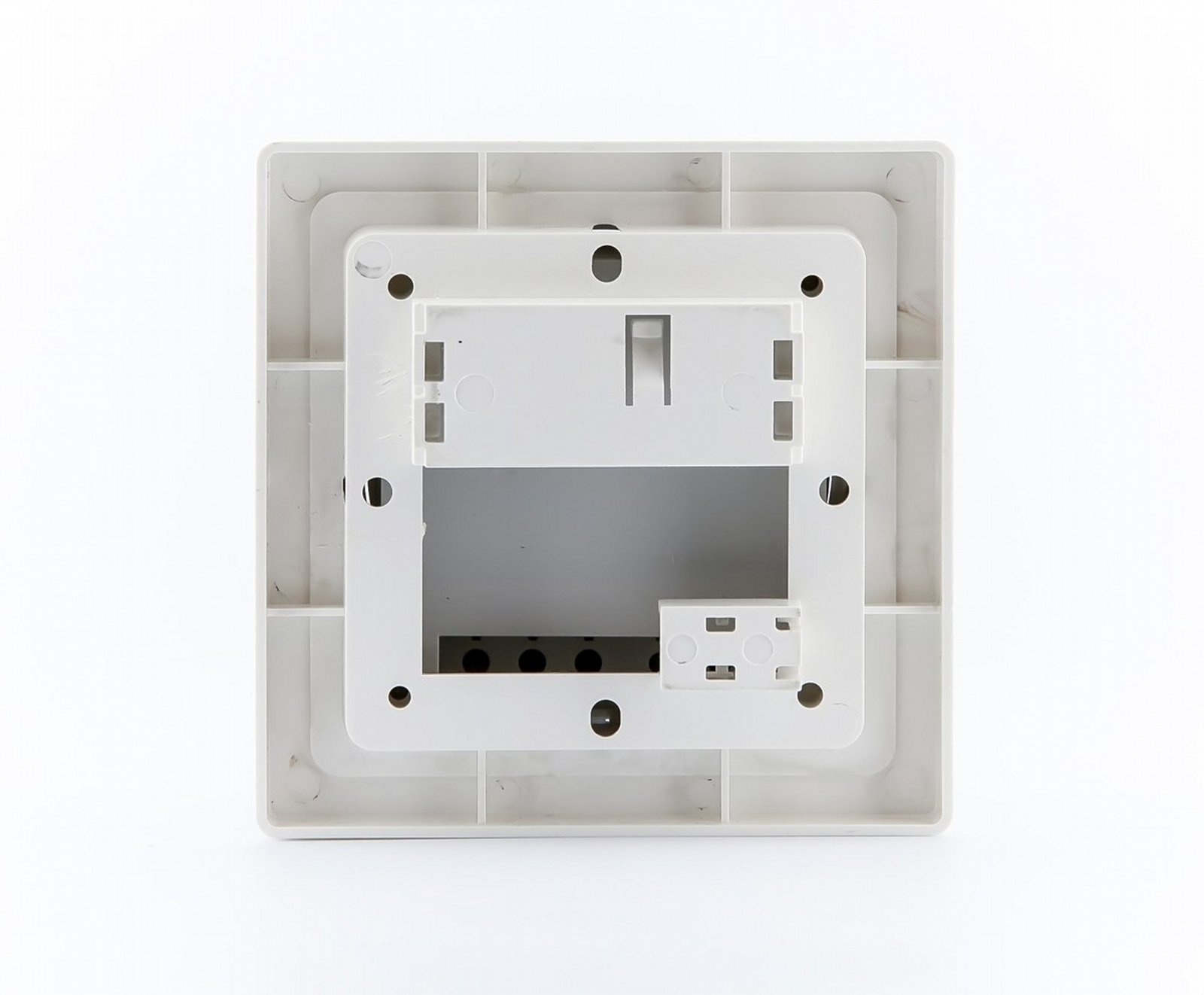
Installation requires wiring into the fixed mains and is governed by current UK wiring regulations. The manufacturer’s installer instructions and wiring diagrams are supplied with the product and TFC Group recommends that installation be carried out by a qualified electrician. The device is Class II and IP20; it must not be mounted on an unearthed metal surface or a flammable surface and requires at least 300 mm of clear air space around it. Use ferrules on stranded conductors and follow the labelled terminal identifications on the backplate during wiring.
Practical matters for a buyer or installer
Size and mounting mean the OP‑SBWF01 fits in the footprint of a standard single gang box, so it keeps a low visual profile compared with DIN‑rail timers or external enclosures. It pairs to the 2.4 GHz band only, so check that the target location has a reliable 2.4 GHz Wi‑Fi signal; if your router is on a combined 2.4/5 GHz SSID you may need to split the bands or use appropriate pairing mode. Expect to program schedules in the Smart Life app rather than on the device itself — the hardware provides local override but no large display for on‑device programming.
It’s a pragmatic solution when you want a tidy, wall‑mounted timeswitch with app and voice control and don’t need multi‑channel outputs or high current switching without a contactor. For heavier loads or lighting with electronic drivers you’ll need to plan for an external switching contactor; for outdoor or wet locations choose a purpose‑rated IP enclosure or DIN‑rail alternative.
If you need wiring diagrams, the downloadable installer instructions and product data sheet include the backplate terminal layout, sample wiring for both mains and volt‑free configurations, and safety guidance — consult those before planning the installation.